

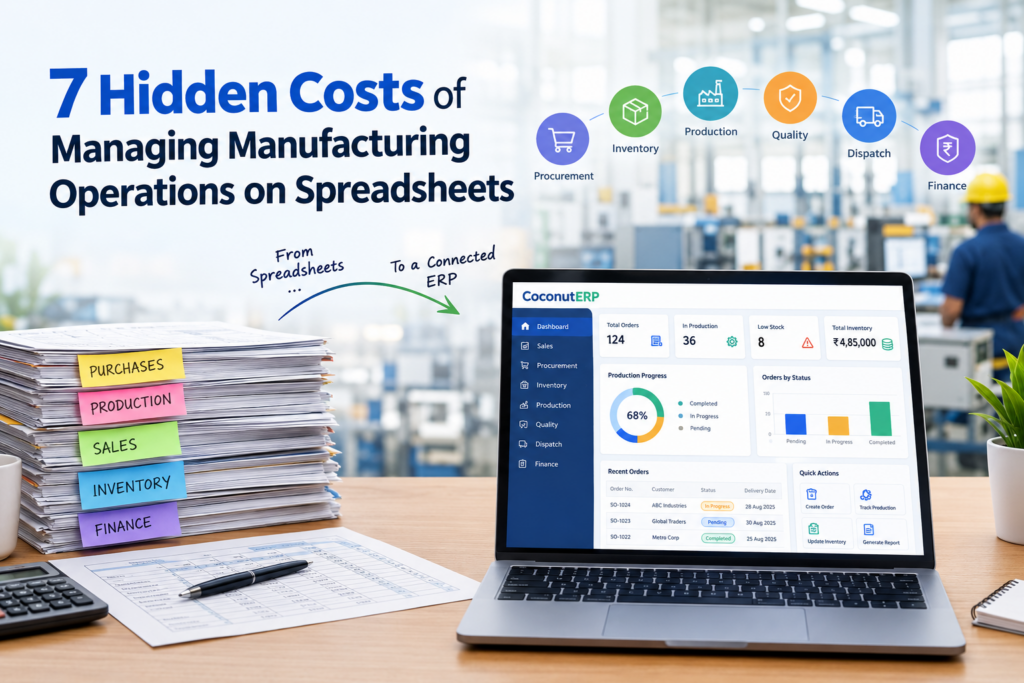
7 Hidden Costs of Managing Manufacturing Operations on Spreadsheets
For many small and mid-sized manufacturers, spreadsheets are an easy place to start. They are familiar, flexible, and inexpensive. Purchase teams maintain one sheet, production another, sales keeps track of orders, and finance manages its own records. For a while, this approach works. But as the business grows, so does the complexity. More customers, products, suppliers, employees, inventory, and production orders mean more data to manage. Soon, teams can spend more time updating and checking spreadsheets than actually using the information to improve the business. The real cost of spreadsheets isn’t the software itself. It is the time, errors, delays, and missed opportunities that can sit behind them. Here are seven hidden costs manufacturers should consider. 1. The Cost of Manual Data Entry Manufacturing involves a continuous flow of information — from purchase orders and sales orders to inventory, production, quality, and dispatch. When these activities are managed through separate spreadsheets, employees often have to enter the same information multiple times. For example, a sales order may need to be updated in: Production trackers Inventory sheets Dispatch files Finance records Delivery schedules Every additional entry creates another opportunity for human error. A small mistake in quantity, product code, or delivery date can affect multiple departments and take considerable time to identify and correct. The hidden cost? Employees spend valuable time maintaining data instead of acting on it. 2. Inventory Errors Can Become Expensive Accurate inventory information is critical for manufacturing. However, when stock is tracked manually, the spreadsheet may not always reflect what is actually available. Materials may have been consumed but not updated. Newly received stock may be missing from the sheet. Materials may already be reserved for another production order. This creates a gap between: What the spreadsheet says is available and what is actually available. The consequences can include: Excess inventory Unexpected material shortages Unnecessary purchases Production stoppages Delayed customer orders Higher carrying costs Even a small inventory discrepancy can create a much larger operational problem. 3. Production Delays Become Difficult to Track Production depends on several moving parts: Customer orders + raw materials + machine capacity + manpower + production schedules + delivery commitments When this information is spread across different spreadsheets, getting a complete picture becomes difficult. A production manager may know that an order is pending but may not immediately know: Is the required material available? Has the material already been allocated? Is the required machine available? Is machine capacity already committed? Is manpower available? Is the order still on schedule? Without connected information, teams often end up spending time calling, messaging, checking files, and reconciling information. The result can be avoidable production delays and missed delivery commitments. 4. Poor Cost Visibility Can Affect Margins Understanding the actual cost of manufacturing a product is essential for making the right pricing and business decisions. Production costs can include: Raw materials Labour Machine usage Electricity Wastage Subcontracting Transportation Overheads When these figures are maintained separately, calculating the true cost of production becomes difficult. A product may appear profitable when you look only at its raw material cost. But once labour, machine usage, wastage, subcontracting, transportation, and overheads are included, the actual margin may look very different. The hidden problem? You may be making pricing decisions without having complete cost visibility. 5. Employee Productivity Gets Consumed by Administration One of the most overlooked costs of spreadsheets is employee time. Teams may spend hours every week: Updating spreadsheets Copying information Checking formulas Reconciling different versions Preparing reports Searching for missing data Following up with other departments Correcting duplicate or incorrect entries This administrative effort does not directly increase production or generate revenue. So the better question isn’t simply: “How much do our spreadsheets cost?” The better question is: “How much are we paying our employees to maintain them?” When experienced employees spend a significant part of their day managing information rather than managing operations, the hidden productivity cost can become substantial. 6. Management Decisions Become Slower Manufacturing leaders need timely answers. For example: What is currently in production? Which materials are running low? Which orders are delayed? What is the current inventory value? Which orders are ready for dispatch? Which products are generating better margins? What is the current production capacity? If answering these questions requires collecting information from multiple spreadsheets and different departments, decision-making becomes slower. By the time a report is prepared, the underlying situation may already have changed. In manufacturing, delayed information can lead to delayed decisions. And delayed decisions can directly affect cost, productivity, customer satisfaction, and profitability. 7. Spreadsheets Become a Risk as the Business Scales Spreadsheets can work well for a small operation. But as the business grows, so does the number of: Files + users + transactions + processes + dependencies Different departments may maintain different versions of the same information. Files can be accidentally overwritten. Important data can be missed. Formulas can be changed. Information can become outdated. More importantly, operational knowledge can become dependent on a few employees who know exactly how the spreadsheets work. What happens when that employee is unavailable? At this stage, spreadsheets can become more than an inconvenience. They can become an operational risk. Moving Beyond Spreadsheets Spreadsheets aren’t inherently bad. They remain useful for: Calculations Analysis Temporary tracking Quick reports Ad-hoc data analysis The problem starts when spreadsheets become the primary system for managing the entire manufacturing operation. As a manufacturing business grows, it becomes increasingly important to connect processes rather than manage each process separately. A connected ERP can bring areas such as: Sales → Procurement → Inventory → Production → Quality → Dispatch → Finance together in one system. This can reduce repetitive data entry, improve operational visibility, and give management access to more reliable information for decision-making. The Real Cost of Spreadsheets The hidden cost of spreadsheets can appear in many forms: Lost Productivity Employees spend time entering, checking, and reconciling information. Inventory Errors Incorrect or outdated stock information can result in shortages, excess inventory, or unnecessary purchases. Production Delays